Why choose Notepad++?
Lightweight and portable.
Notepad++ is written in C++ and uses pure Win32 API and STL implementation which ensures a higher execution speed and smaller program size. When using less CPU power, the PC can throttle down and reduce power consumption, resulting in a greener environment.
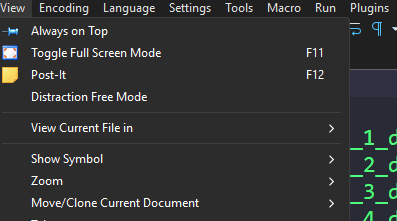
Where focus meets flow
Step into a clean, uncluttered workspace where every line of code takes center stage, distractions fade away, and your focus flows effortlessly.
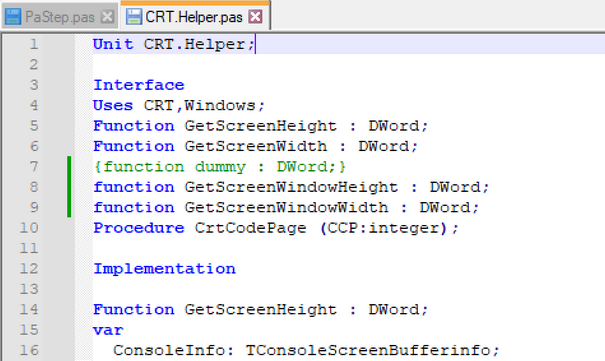
Multi-Language Syntax Highlighting
Support for dozens of programming and markup languages, each with precise syntax coloring. Switch between languages effortlessly and instantly spot errors, structure, and patterns.
More than an editor - It's what you make it
Notepad++ isn’t just a text editor, it’s a customizable coding powerhouse. With its rich plugin ecosystem, you can transform it into whatever you need: a debugger, translator, formatter, or even a mini IDE.
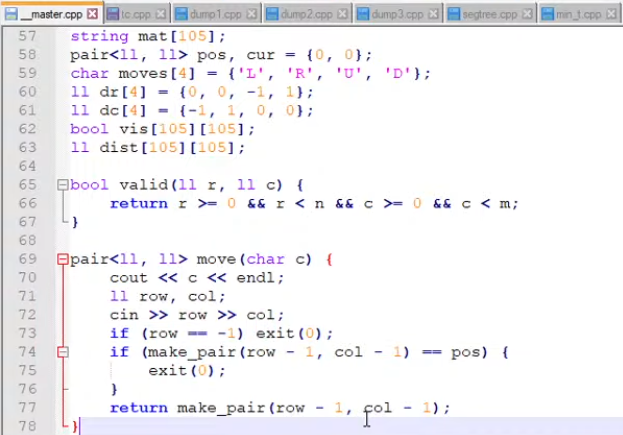
Write it. Run it. Win it.
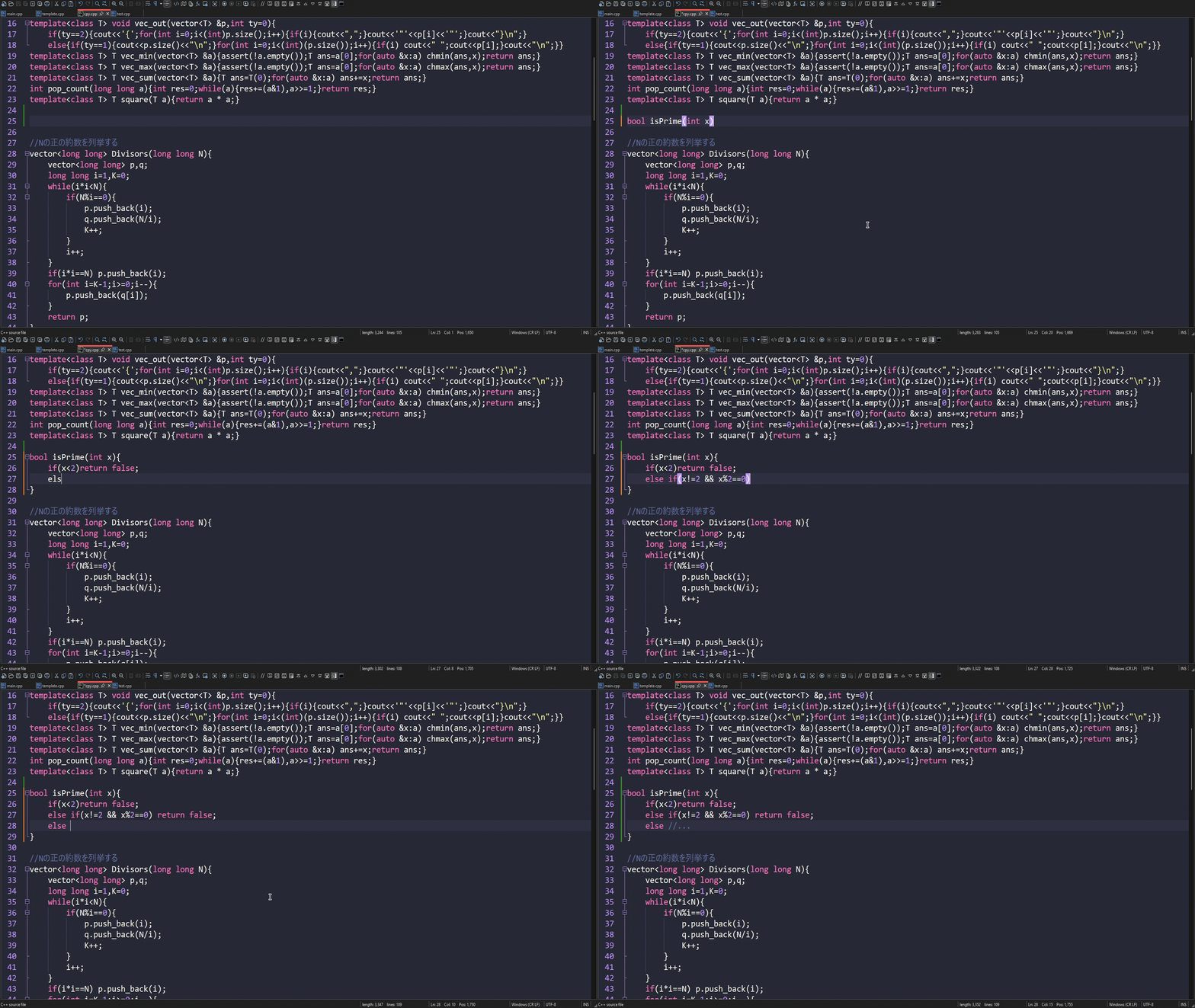
Notepad++ is widely used in the competitive programming community as it is a lightweight and powerful text-editor. Low-performance requirements, bloat-free software and its integration with other light tools and plugins is what makes Notepad++ extremely loved by competitive programmers around the globe.
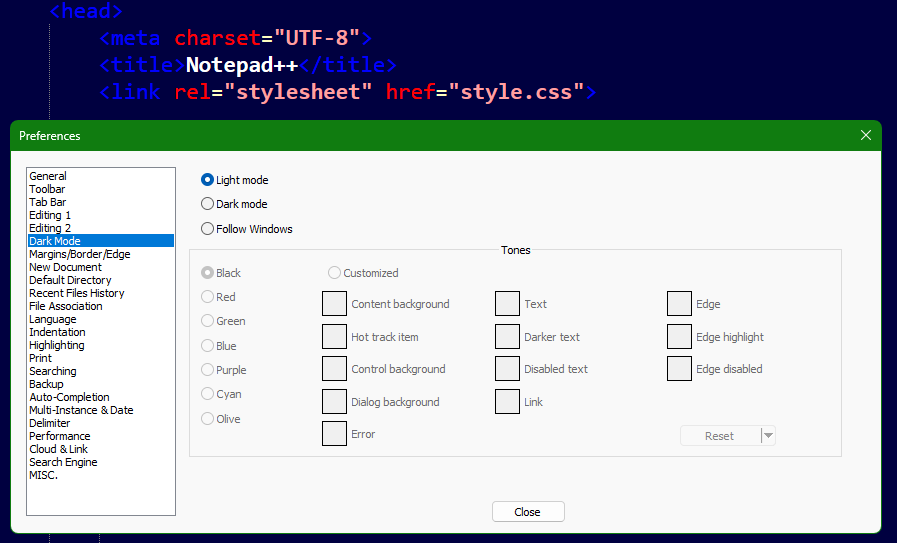
Dark Mode, Bright Focus
Notepad++’s dark mode wraps your workspace in a smooth, eye-friendly theme that keeps glare low and concentration high. Perfect for late-night coding sprints, it turns your editor into a calm, stylish command center where your code glows—and your eyes don’t.